Do your ads make money?
Cost per paying customer and return on spend, per channel.
Free plan, no time limit · No card · Stripe stays read-only
The short answer
An ad makes money when the customers it brought pay back more than it cost. Divide what you spent on a channel by the paying customers it brought: that's your cost per customer. Compare it with what a customer pays you over a year, and check the revenue those customers paid against the spend. Clicks and signups don't answer it; payments do.
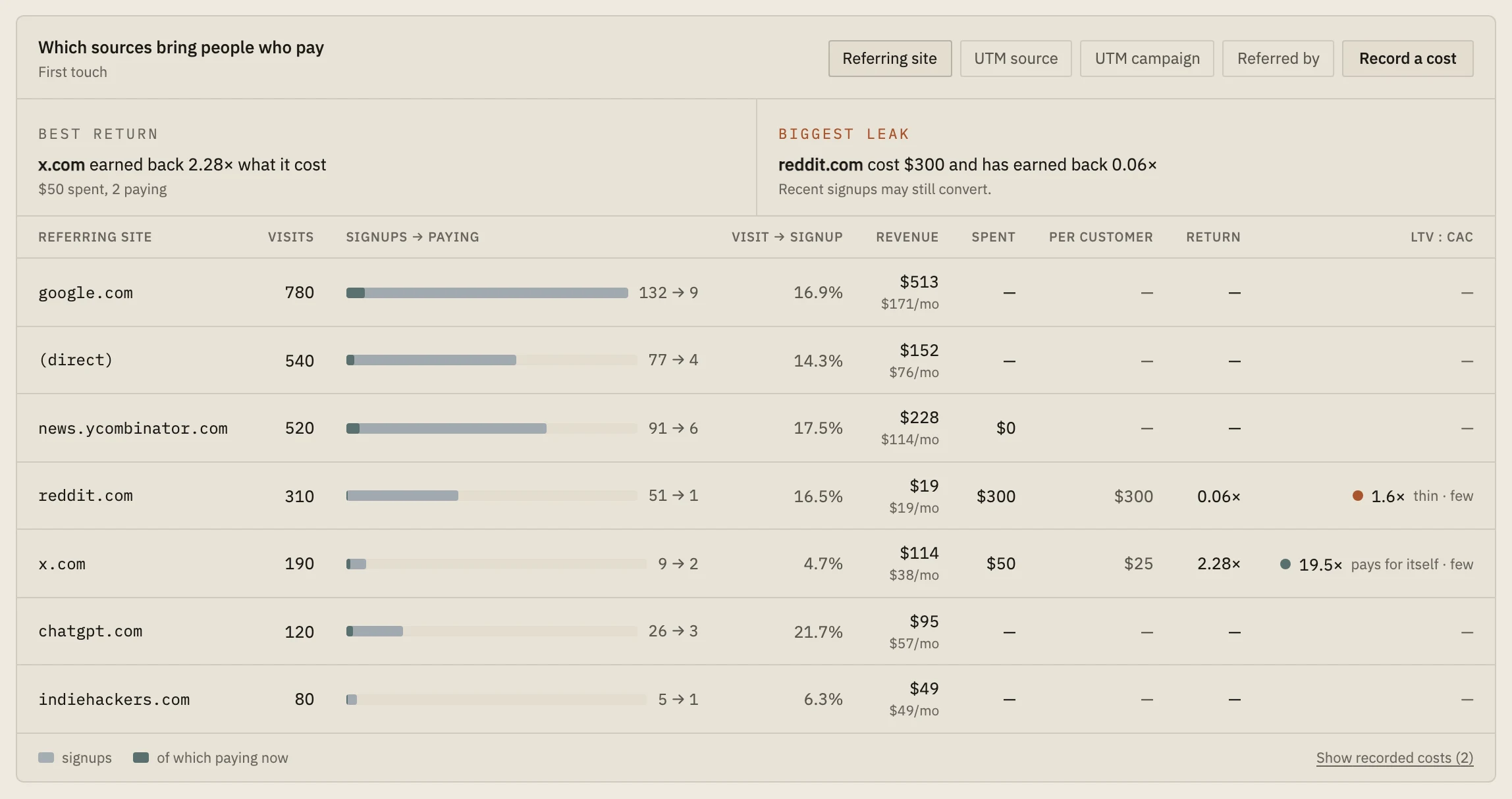
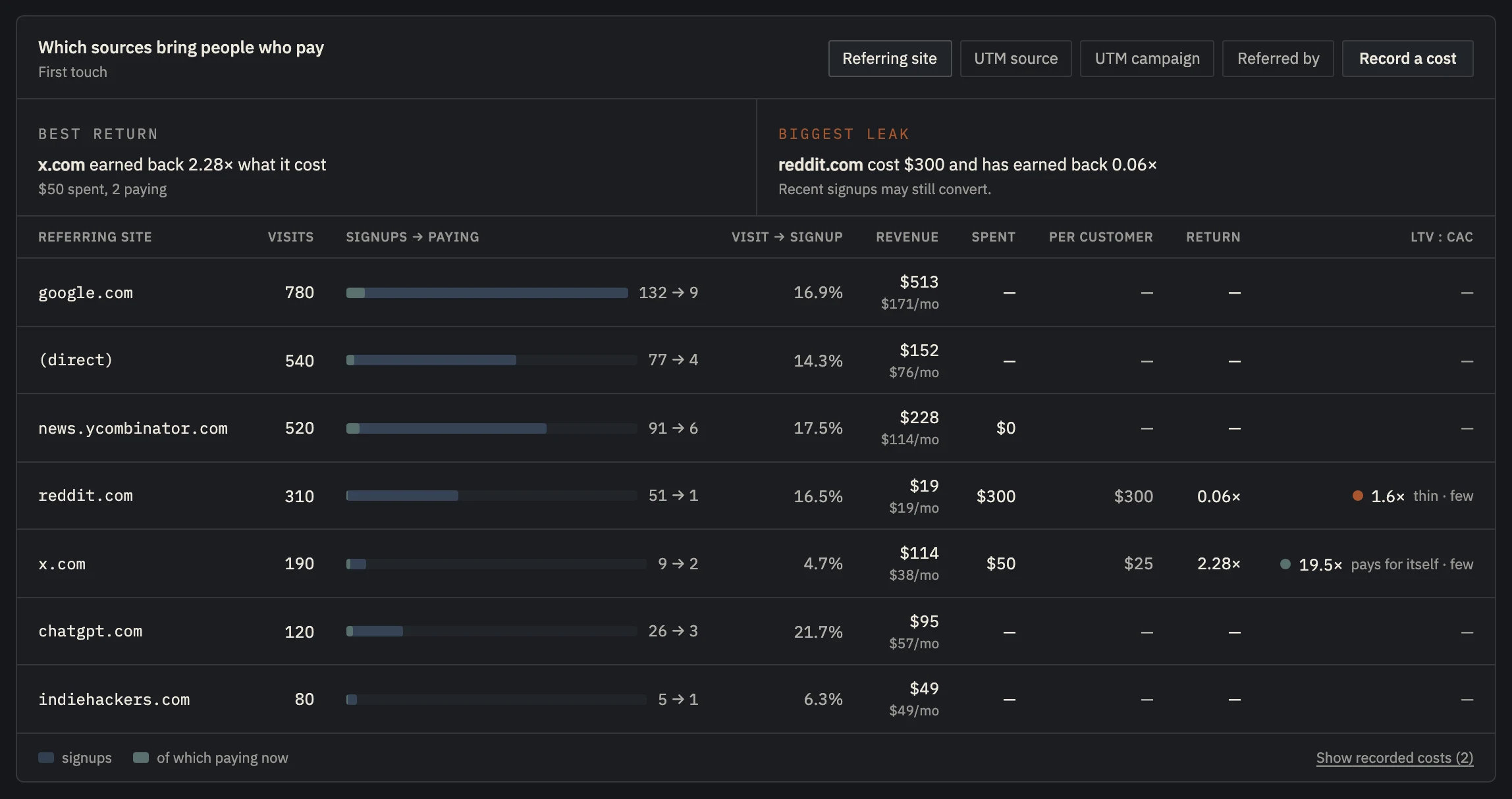 Example data
 - Your best return and your biggest leak, in one line each.
- Spend, cost per customer and return, per source.
- LTV : CAC: what a customer is worth against what they cost.
Ad dashboards count the wrong thing.
Ad platforms report the clicks, signups and conversions they can see. They can't see who paid you a month later, or who cancelled. A channel full of cheap signups that never pay looks great in the ad dashboard and loses money.
Three numbers settle it. Cost per paying customer: spend divided by the customers the channel brought. Return on spend: what those customers paid divided by what you spent. And lifetime value against acquisition cost (LTV:CAC): what a customer is worth over a year against what they cost to get.
Early on, a channel has to pay back its cost reasonably soon, or it drains the money you need to keep building.
Work it out per channel.
- 01
Tag every ad link
Give each campaign a utm_source and a utm_campaign, so every visit and signup from it carries the tag.
- 02
Record what you spent
Per channel and period, in one place. Use the invoice, not the platform's estimate.
- 03
Count the paying customers each channel brought
Match each payment to the first source of the customer who made it.
- 04
Divide
Spend ÷ paying customers = cost per customer. What those customers paid ÷ spend = return. A return under 1 means the channel costs more than it brings in so far.
Spend, customers and return in one table.
Record what a channel cost in the dashboard, or tell your AI agent ("I spent $200 on Reddit last week"). Launch's sources table then shows cost per signup, cost per paying customer, return on spend and an LTV:CAC badge per channel, from the paying customers it traced to that source.
It names your best return and your biggest leak in one line each, so the decision is in front of you.
Channel costs, return on spend and LTV:CAC need Indie ($19 a month).
Set up in about five minutes.
- 01
Paste one line
About two minutes
Add the script tag to your site, or run npx nordva@latest init and let your AI coding agent wire it in. The first visit shows up within a minute.
- 02
Connect Stripe, read-only
About three minutes
Create a restricted Stripe key with read permissions and paste it. Launch can only read; disconnecting deletes everything it synced. Every plan, Free included.
- 03
See who pays, and why
From the first visit
Where visitors come from, which of them sign up, what they ask you for, and which source brought the ones who pay, on one record per person.
When Launch is the wrong tool.
- You spend at a scale where you need multi-touch attribution across many touchpoints: Launch credits the first touch only.
Questions, answered.
What's a good LTV:CAC?
A common rule of thumb is 3 or more: a customer worth three times what they cost. Launch marks under 1 as losing money and 1 to 3 as thin. With fewer than five customers from a channel, treat any number as a first sign, not a verdict.
Why don't my ad platform's numbers match?
Platforms count the conversions they can see, often including modelled ones. Launch counts customers who actually paid in Stripe and whose first visit came from that channel.
Does it import spend from Google Ads or Meta?
No. You record what you spent, per channel and period, in the dashboard, over the API or through your AI agent. Any channel whose links carry UTM values or a referring site can be measured.
Find out which ads pay for themselves.
Start free, tag your links, and connect Stripe. Add your spend on Indie to see the return.