Feedback everywhere. Answers nowhere.
One inbox, sorted by AI, on each person's record.
Free plan, no time limit · No card · Stripe stays read-only
The short answer
Collect all feedback through one way in (a widget or form in your app), keep the sender's email or user id on every message, sort each one into bug, request or question, and read it next to whether that person pays. Requests from paying users tell you what to build; the rest tells you what the free audience wants.
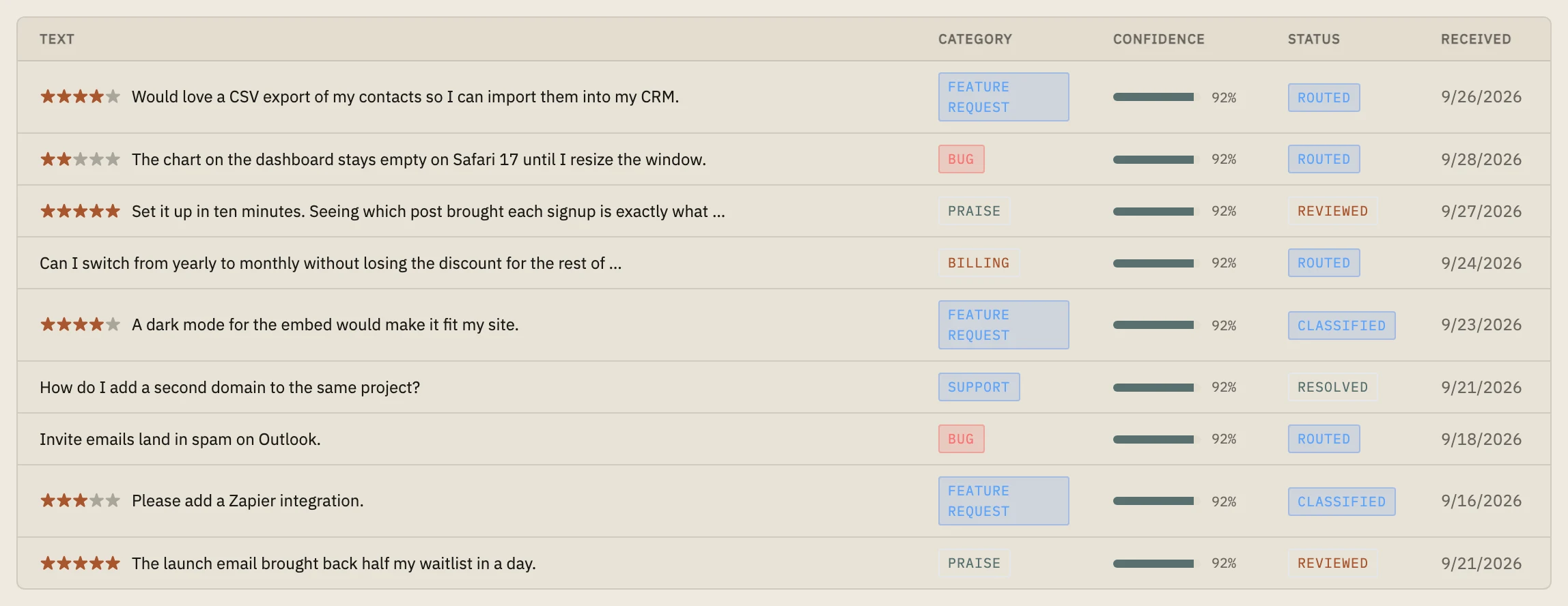
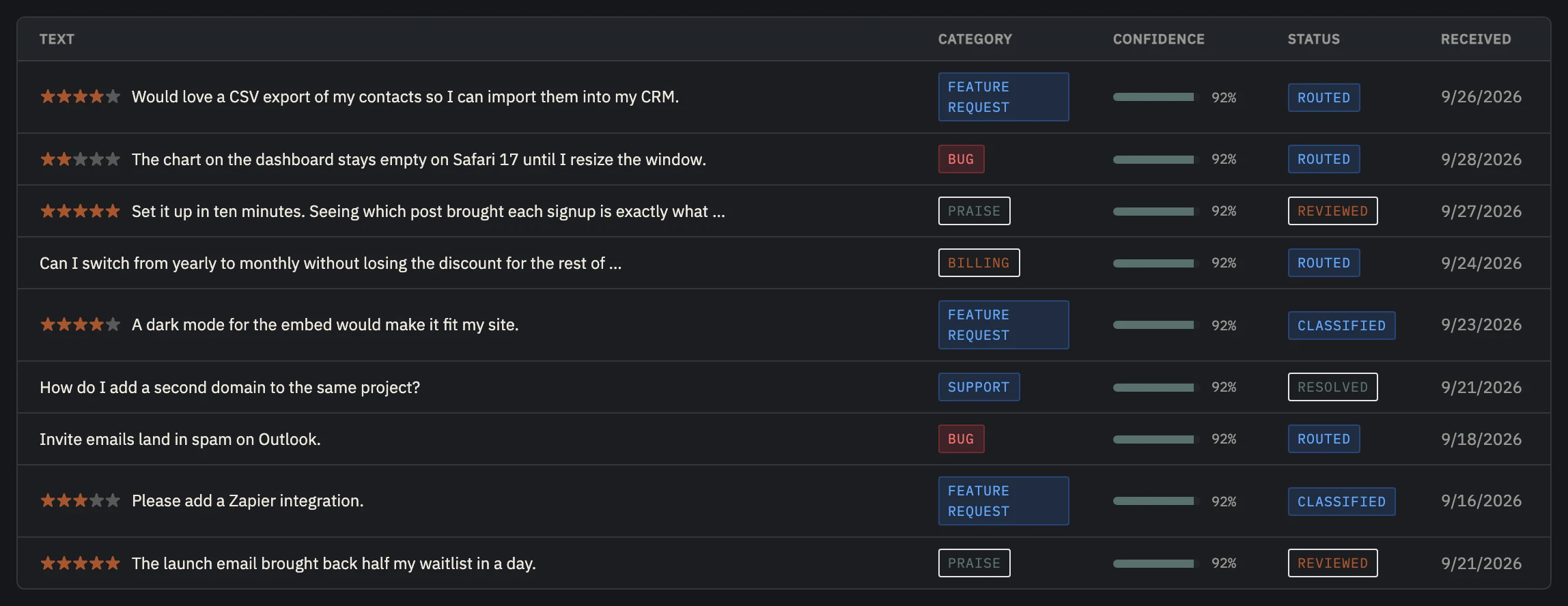 Example data
 - Their words, as they wrote them.
- Sorted by AI: bug, request, praise, billing, support.
- Routed to Slack, Linear, GitHub or email.
Feedback without the person is half the message.
"Add dark mode" means one thing from a customer who pays you every month and another from someone who tried the free plan once. Scattered across email, chat and DMs, feedback loses the person, and you end up building for whoever wrote last.
One inbox fixes the losing; the person fixes the weighing. Every message tied to a user shows you whether a request comes from the people who pay.
It also closes the loop: when you ship something, you know exactly who asked for it.
Put it in one place.
- 01
Pick one way in
A feedback widget or form in your app, with the user's email or id attached automatically.
- 02
Bring in the rest
When feedback arrives by email or chat, add it to the same place, with the sender.
- 03
Sort every message
Bug, feature request, question, praise, billing. A few seconds each, or none with automatic classification.
- 04
Tell people when it ships
When you ship something people asked for, tell each of them. It shows them their feedback went somewhere.
One inbox, sorted for you, on each person.
Launch's feedback widget or API sends every message to one inbox and sorts each one into bug, feature request, praise, billing or support: by keywords on Free, by AI with a one-line summary on Indie. Routing sends it on by email, or to Slack, Linear or GitHub on Indie. Each message sits on the sender's record, next to where they came from and whether they pay.
Link a piece of feedback to a changelog entry, and when the entry is published, Launch emails the person that what they asked for has shipped.
Free: 50 messages a month per project, sorted by keywords. Indie ($19 a month): 1,000, 500 of them sorted by AI (Builder: 10,000 and 3,000). Past that, messages are sorted by keywords.
Set up in about five minutes.
- 01
Paste one line
About two minutes
Add the script tag to your site, or run npx nordva@latest init and let your AI coding agent wire it in. The first visit shows up within a minute.
- 02
Connect Stripe, read-only
About three minutes
Create a restricted Stripe key with read permissions and paste it. Launch can only read; disconnecting deletes everything it synced. Every plan, Free included.
- 03
See who pays, and why
From the first visit
Where visitors come from, which of them sign up, what they ask you for, and which source brought the ones who pay, on one record per person.
When Launch is the wrong tool.
- You want a public board where users vote on ideas and see a roadmap: Canny or Frill do that; Launch keeps feedback private.
Questions, answered.
Can users see each other's feedback?
No. Feedback in Launch is private to you. If you want public voting, a board tool fits better.
How does the AI sorting work?
On Indie and up, each message gets one category with a confidence score and a one-line summary. On Free, and past the monthly AI allowance, keywords pick the category and there is no summary. You then mark it reviewed or resolved, and link it to the changelog entry that ships it.
Does it replace my support inbox?
No. It's for product feedback: what to fix and what to build. Support conversations belong in your help desk; send the product requests from there into Launch.
Put every request in one place.
Start free with 50 messages a month, add AI sorting on Indie when users write more, and see who asked for what.