A waitlist page. No code.
Share one link today. See who joins, and from where.
Free plan, no time limit · No card · Stripe stays read-only
The short answer
Create a free Launch account and name your project, and your waitlist page is live at launch.nordva.dev/waitlist/your-project, with referral links and positions. Share the link with tags on it where your users are, and every signup records the post that sent it. No code, no hosting, no card.
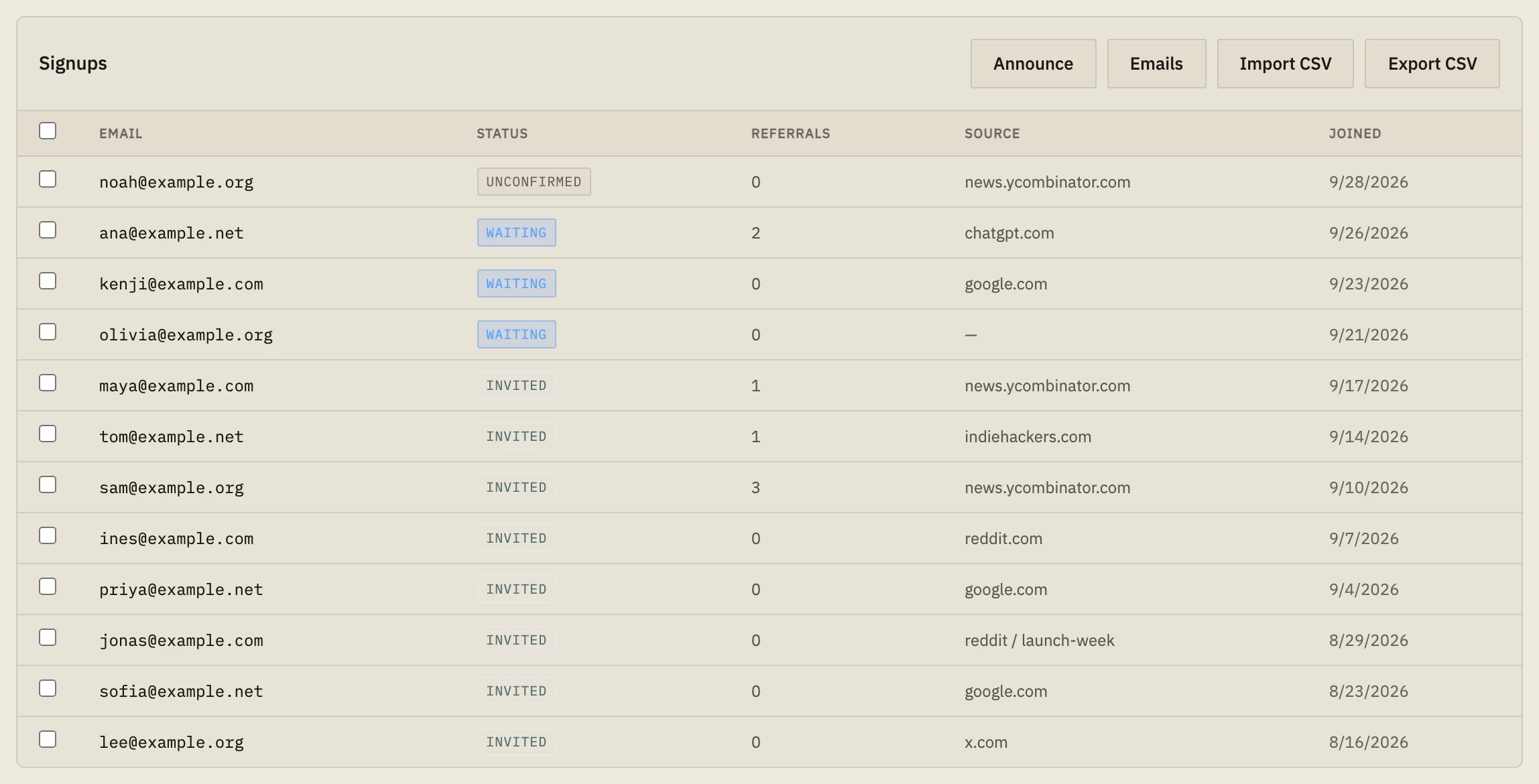
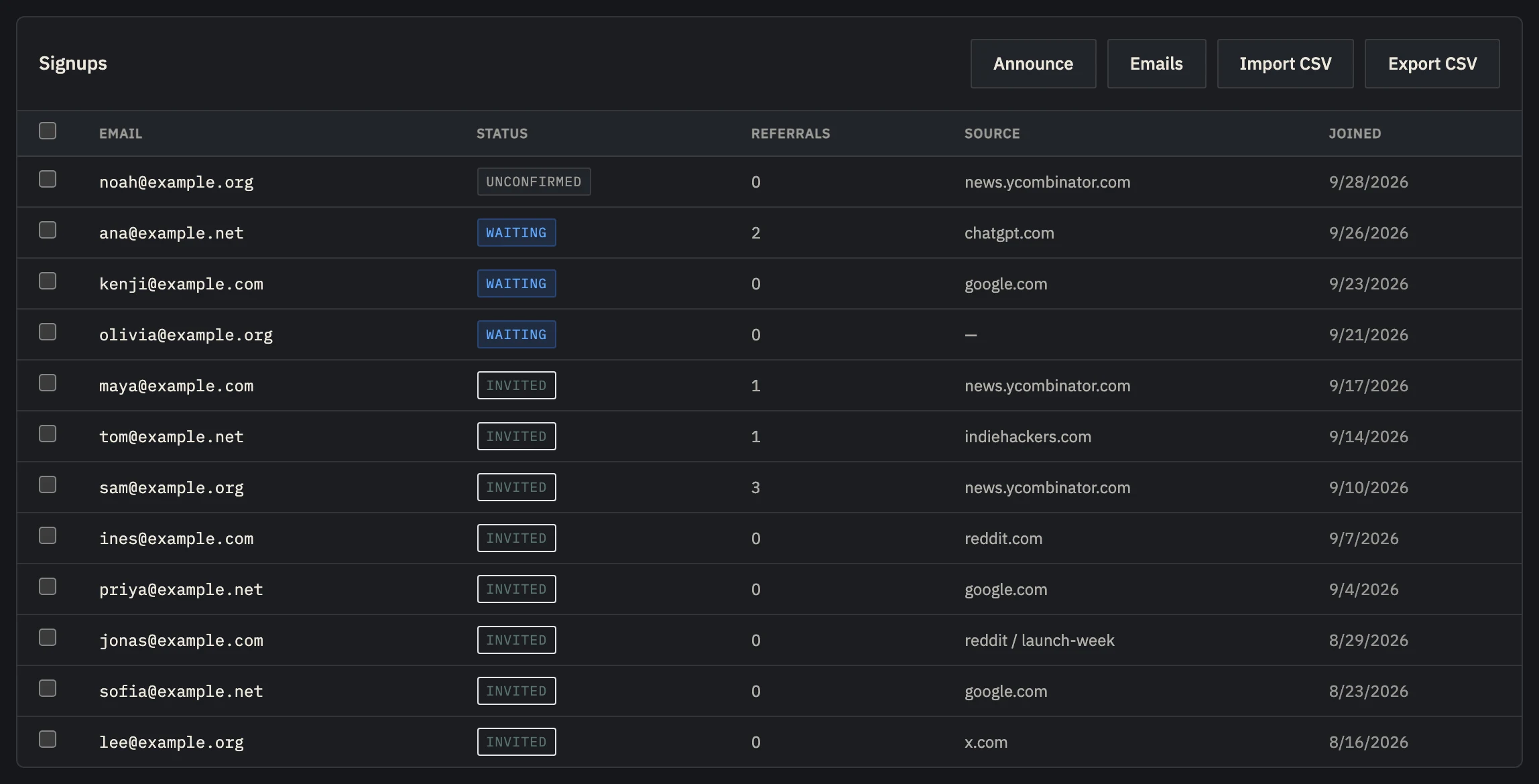 Example data
 - The post or site each signup came from.
- Tell everyone at once when you launch.
Start collecting before you have a site.
A waitlist doesn't need a website. It needs a place to send people and a way to know who came from where.
Every day without one is interest you can't reach later: people who read your post, liked the idea and had nowhere to leave an email.
And the sources start counting from the first signup, so when you launch you'll know which posts built your audience.
Live in five minutes.
- 01
Create the account
Free, no card. Name your project; its short name becomes your page's address.
- 02
Write two lines
On the dashboard's Waitlist page: a headline with the outcome and a sentence on the problem. That's the page.
- 03
Share tagged links
Add ?utm_source=reddit&utm_campaign=first-post to each link you post, so each signup says where it came from.
- 04
Watch it fill
Signups appear in the dashboard with their source, and referral links move people up the list.
Hosted, free, and it records sources.
Every Launch project gets a hosted waitlist page with referral links and positions. When you have a site, the same waitlist moves to a script-tag widget on it, or onto your own domain on Builder, keeping every signup and its source.
The free plan holds 100 signups per project, for two projects. Indie ($19 a month) holds 2,500 and adds confirmation emails, invites in position order and CSV export.
Set up in about five minutes.
- 01
Paste one line
About two minutes
Add the script tag to your site, or run npx nordva@latest init and let your AI coding agent wire it in. The first visit shows up within a minute.
- 02
Connect Stripe, read-only
About three minutes
Create a restricted Stripe key with read permissions and paste it. Launch can only read; disconnecting deletes everything it synced. Every plan, Free included.
- 03
See who pays, and why
From the first visit
Where visitors come from, which of them sign up, what they ask you for, and which source brought the ones who pay, on one record per person.
When Launch is the wrong tool.
- You need a full website with pages, a blog and your own design: use a site builder, and put Launch's waitlist widget on it.
Questions, answered.
Can I use my own domain?
Yes, on the Builder plan. On every plan you can also put the waitlist widget on your own site with one script tag.
Can I export the list?
CSV export starts on Indie. On every plan, the API lists your signups.
What happens when I launch?
Invite people in position order, in batches, or send one announcement to everyone and see who paid. Both need Indie.
Share your waitlist link today.
Free, no card, no code. Every signup keeps its source.